Devlog Week 2 - Chunk System & Optimization
Saturday, June 25, 2022Welcome back to my devlog! This week I worked on implementing more stuff regarding the chunk system, as well as improving my code a bit internally.
Quick Rendering
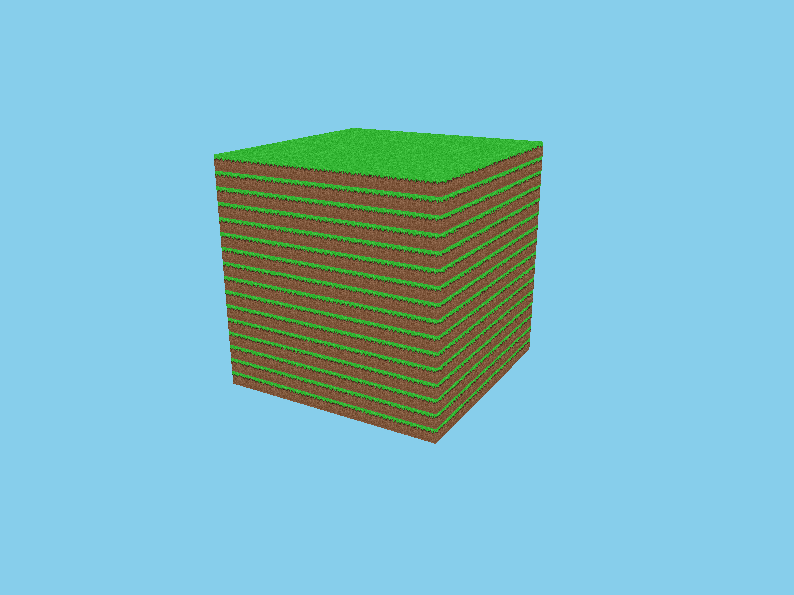
In my last devlog I finished things off by implementing a basic chunk. Problem was, it ran terribly. Without face culling, I was getting about 1-2 FPS, and with face culling it was more like 10. This was with one chunk – I can’t imagine how terrible it would run with multiple!
As it turns out, the issue was with how I was storing vertices in VBOs. Internally, the VBO held a map to store the vertex data. The VAO then converted that map data to a vertex array…every frame. That meant we were trying to convert maps about 6 million times per second (assuming a 60 FPS target). Not the most efficient thing I’ve ever done.
To fix it, I just restructured some code in the VBO to do the map conversion when a vertex was added initially. Then the VBO just stored the vertex data as the array OpenGL needed, and the VAO didn’t do much heavy lifting at all. I instantly got vast performance improvements and the game runs at a stable 60 FPS. Nice.
In addition to all this, I renamed some classes. VertexBufferObject became Model and VertexArrayObject became Renderer. Nothing too drastic and they’re still using VAOs and VBOs internally, but it makes things a bit more readable. I also made the sky blue because why not.
Dirty Blocks Done Dirt Cheap
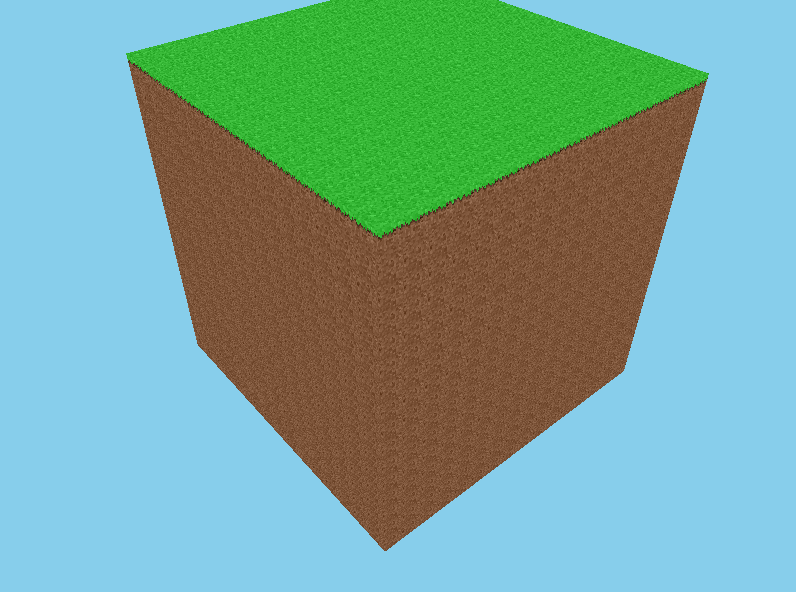
What is Minecraft with only one block? Well, it’s not a very good game, so I decided to implement multiple block types.
To do this, I added an abstract class called AbstractBlockType with some methods to render a block. I then made two implementations of it – AirBlockType and BasicBlockType – to handle air blocks and everything else, respectively. Then I made some instances of those classes in my main source file and registered them to a numerical ID with a singleton class I added called BlockList.
From there, I was able to add a method in my Chunk class to get an AbstractBlockType from a numerical ID stored at a position. So I could use that in my mesh-building method to draw all my blocks in a really dynamic way. It worked like a charm!
Lighting up the world (sorta)
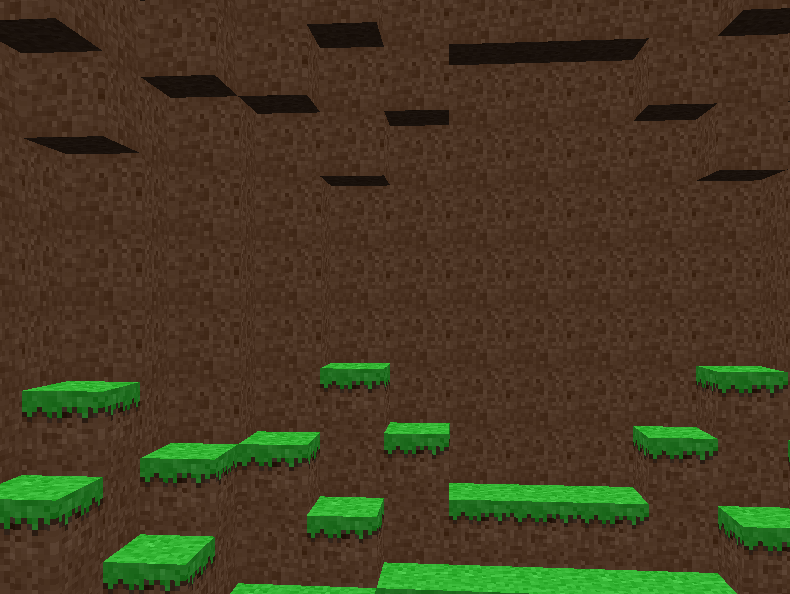
At this point blocks did not look very good, since they did not have any lighting. I decided to fix that by adding “face lighting” – it’s not true lighting but it does the trick for now.
By using different values for the model’s vertex colors, I was able to dim certain sides. I multiplied the color values on the sides by 0.6 and the bottom by 0.2. Definitely makes things a bit more well-defined.
To test it out I wanted to make a hollowed-out sphere. So I made a WorldGenerator class that has a method to get a generated block ID at a certain coordinate. This let me separate the world generation from the Chunk class which will avoid a lot of clutter when I add noise-based generation.
It’s a whole new world
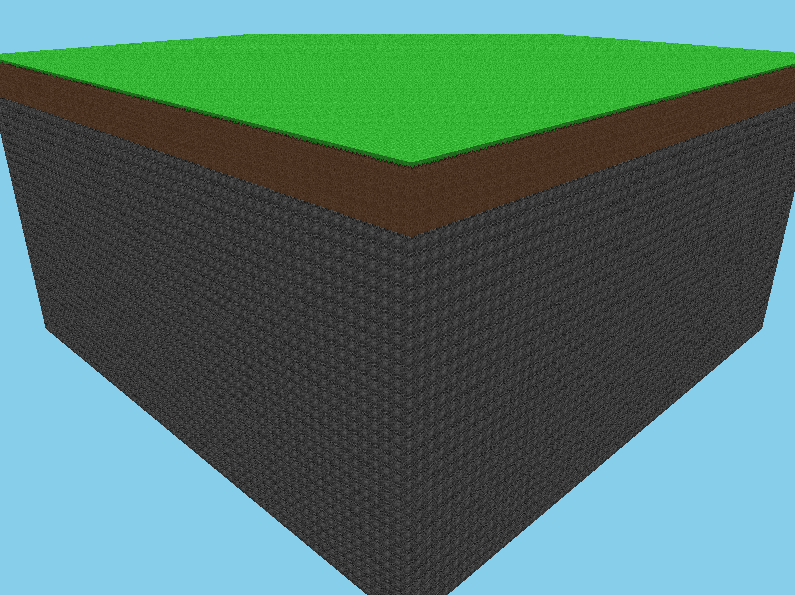
Next on my list was to achieve chunk mitosis. Up until now we’ve only worked with one chunk – but what if we had more?
I made a World class to store an array of chunks. Notably, for future-proofing purposes, I needed to dynamically allocate the chunks to memory, so I implemented chunk storage as a vector of chunk pointers. I then just freed all of the allocated memory in the World destructor.
It worked pretty well, though there were some issues with the mesh-building performance.
(By the way, I also added stone! It looks terrible.)
Model Optimizations 2: Vertex Array Boogaloo
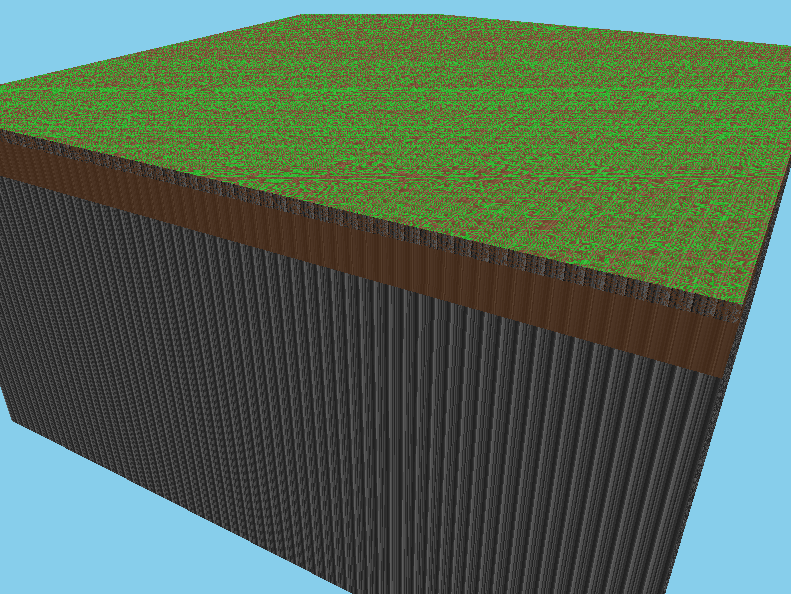
After an embarrassingly long period of debugging I was able to locate the source of the issue. As it turns out it was a problem with maps in vertices, yet again.
My game was no longer lagging to the shadow realm and back from converting an absurd amount of maps every frame, but it was still converting all those maps in the first frame, so the game took a while to boot up.
I added an overloaded version of the AddVertex method to take a float vector instead of a map. After using that for all the block vertices, the game started to boot up significantly quicker, as expected. I was initially greeted with a z-fighting abomination of a screenshot, but a quick fix to some mistyped texture coordinates fixed that up pretty easily.
Face culling between chunks
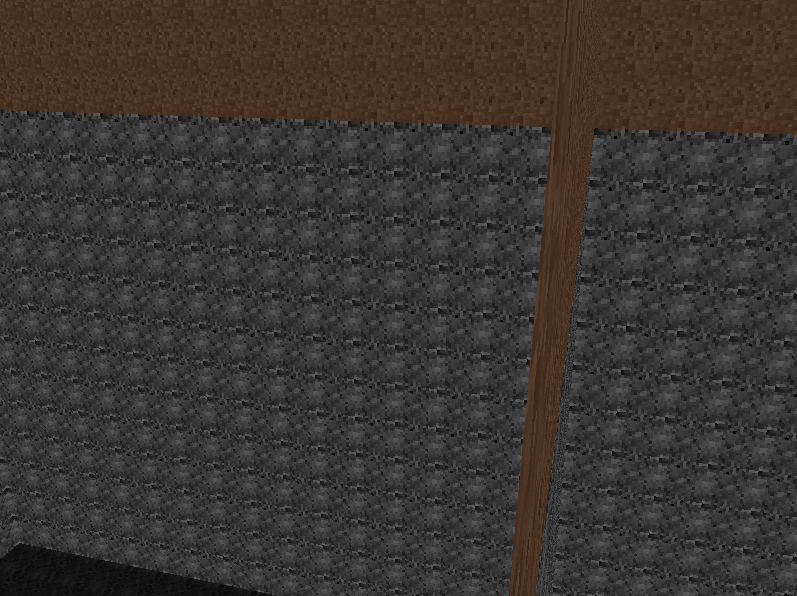
One more trouble with the chunk mesh-building to fix. I had face culling working properly within chunks, but we still had a bunch of triangles rendering that weren’t actually visible. The chunk internally considered all blocks outside it to be air, so it would always render the faces on the edge of it.
I had to do some very annoying things with void pointers that may in retrospect have been a mistake, but I was able to actually get the chunks to look into adjacent chunks to check whether faces should be culled or not! It didn’t help performance that much but I’d imagine it would in a larger world.
Dynamic chunk loading/unloading
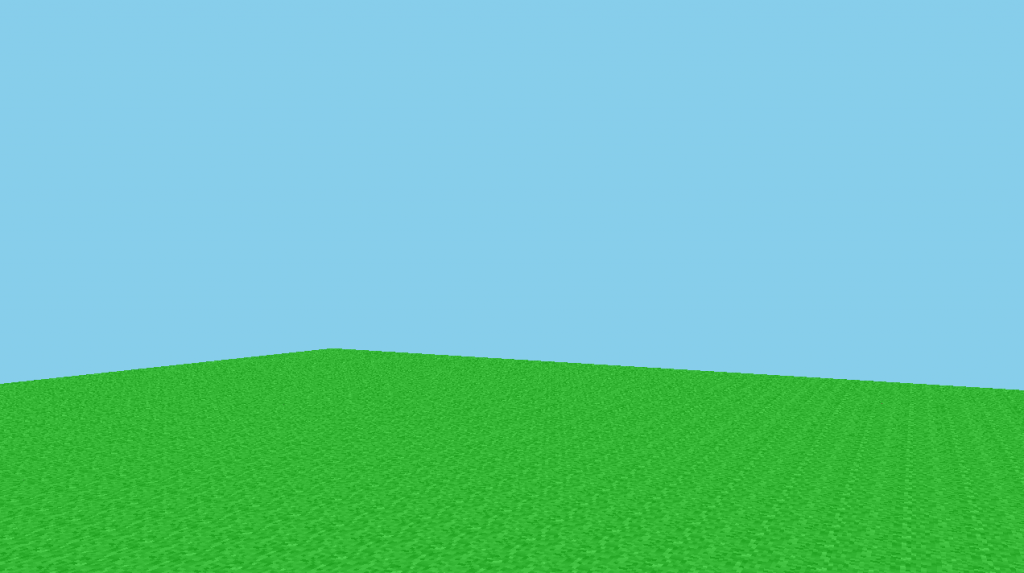
Now it was time to make the world very big.
I set up a method that ran every frame to check what chunk the camera was in, and dynamically load/unload chunks so that the loaded set of chunks was a square around the player. This caused some issues with the face culling thing I did last section, so I temporarily removed said face culling. Worked well enough.
The main issue was, I couldn’t really have a very large world rendered in. If the render distance was too large, whenever you go to another chunk, the game would lock up for a moment as it generated all those new chunks. What I needed to do to solve this was something I haven’t really played with much in C++. It’s something that haunts programmers in their dreams, sets fear into the heart of every CS student, and has caused me more race conditions than I’d care to admit.
I needed multithreading.
The disaster
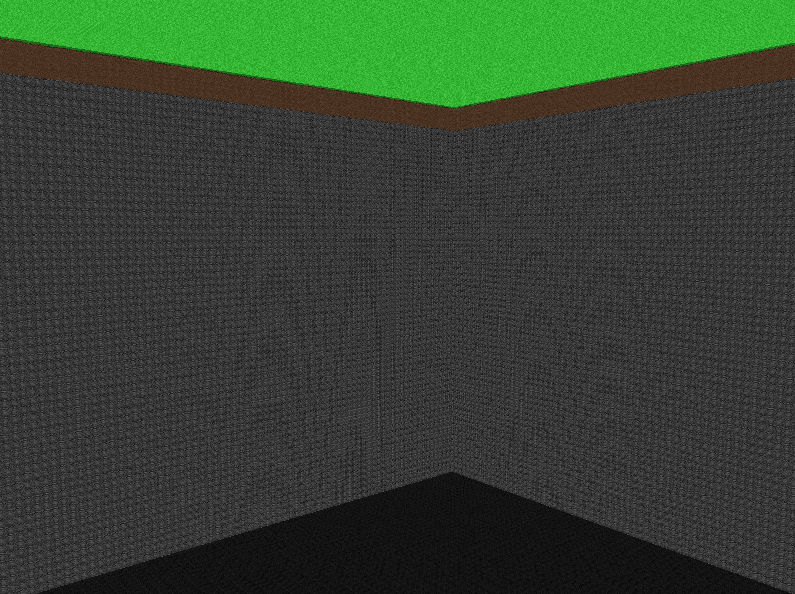
I tried to implement multithreading, I really did. I put the chunk mesh generation on a separate thread and made it so that chunks would try to generate independently from the actual rendering of the scene. That way you could move around while chunks were still generating.
I failed to implement multithreading.
For whatever reason, it did not play nice with OpenGL in the slightest. I’ve tried every workaround I could think of but every time I try to run my code, glDrawArrays causes an access violation. Oops.
Of course, whenever you mess something up with your OpenGL code, the error tells you fuck all about what’s actually going on. From past experiences I’m aware that access violations are usually caused when you feed the wrong data into some sort of OpenGL buffer. But I’ve parsed through my code with my debugger and I can’t seem to find anything amiss.
I’m completely stumped, so I’m considering a new approach. I didn’t really design my current codebase with multithreading in mind, so I’m thinking I might start “fresh,” reusing some of my old code where necessary, but building the engine with these things in mind from the start. That’s the current plan for next week: begin again, and try to get something working a bit more properly this time. I’ll consider this two-week iteration of the project a bit of a prototype.
Conclusion
So next week I’ll start the next iteration of the project. I’m also planning on using SFML instead of GLFW/GLAD for my OpenGL library. I was originally using GLFW and GLAD since they’re more lightweight, but I realized SFML is literally intended for game development so there’s not much reason not to use it. The stuff like audio and thread management that SFML comes with won’t be bloat anyway since I’m planning on using it all!
I’m also going to switch up the schedule of these devlogs a bit. Instead of being strictly weekly, I’ll just upload them whenever I have stuff to talk about. That way I don’t have devlogs with too much random stuff I’ve done, nor do I have devlogs with like 2 performance fixes and nothing else. I think it’ll make things a bit more interesting as I can cut all the fluff and uninteresting bits.
Anyway, hope you all enjoyed this post. I’ll get the next one out within the next couple of weeks after I’ve built out the new SFML iteration of the game a bit.